Deal details
- Email verification
- Phone verification (SMS)
- Authenticator app such as Google Authenticator or Authy
- Keep your account safe from hacking
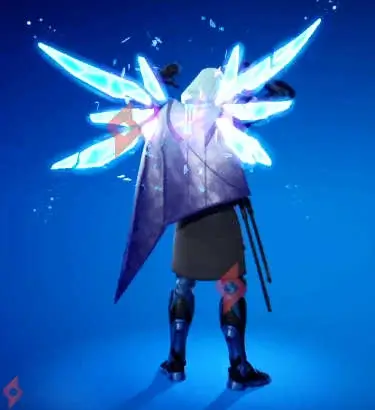
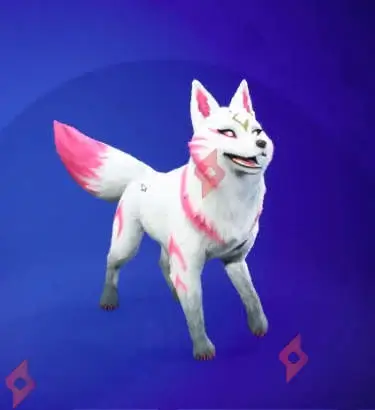
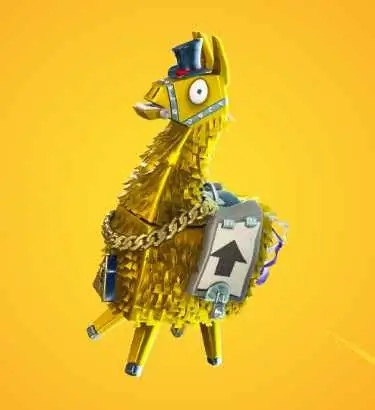
- Receive exclusive permanent rewards like arsenal and backpack slots and a legendary loot llama
- Participate in Fortnite events that require enhanced security
Protect your Fortnite account while unlocking exclusive rewards by enabling Two-Factor Authentication (2FA) in Save the World mode. By adding this extra layer of security, you not only safeguard your account against unauthorized access but also gain access to unique gifts and participate more easily in special Fortnite events. This is a permanent reward available to all players who take the simple step of securing their account.
🎁 GIFTS TO UNLOCK
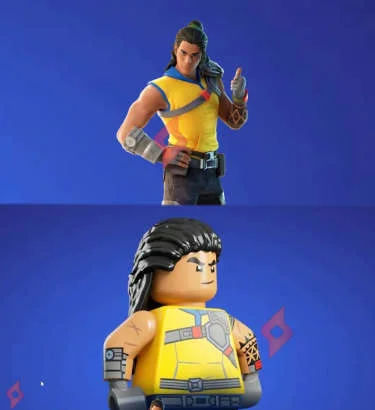
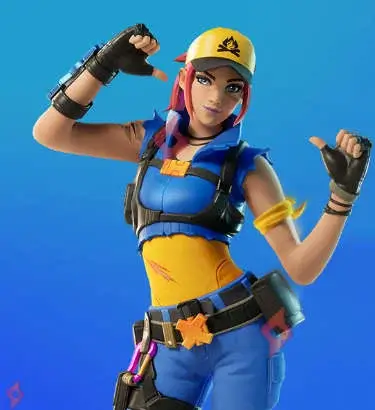
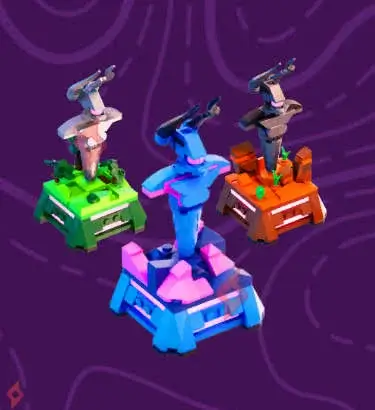
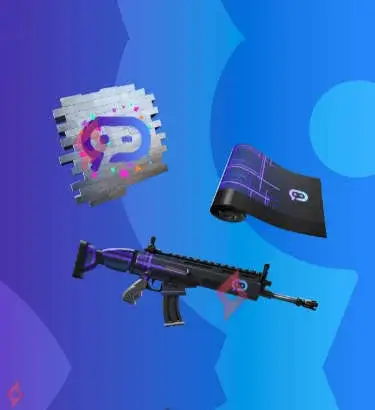
✅ 50 Arsenal Slots – Expand your weapon storage and manage your inventory more efficiently.
✅ 10 Backpack Slots – Increase your backpack capacity to carry more items during missions.
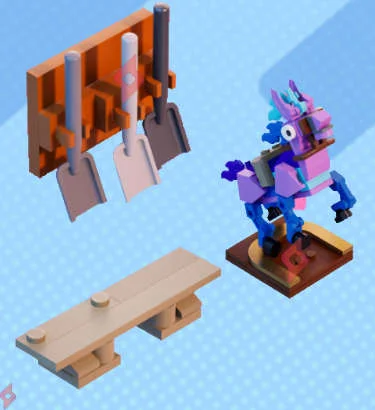
✅ 1 Legendary Troll Loot Llama – A valuable cosmetic and loot reward to boost your in-game experience.
✅ 10 Backpack Slots – Increase your backpack capacity to carry more items during missions.
✅ 1 Legendary Troll Loot Llama – A valuable cosmetic and loot reward to boost your in-game experience.
These rewards are permanent and automatically added to your account once 2FA is enabled.
🎯 HOW TO ENABLE 2FA
1️⃣ Go to your Epic Games account settings and navigate to the Password & Security tab.
2️⃣ Choose a method to enable Two-Factor Authentication (2FA):
3️⃣ Follow the step-by-step instructions to activate 2FA.
Once enabled, your rewards will appear instantly or within 24 hours in your Save the World account.
💡 Tip: Double-check that your 2FA method is linked correctly to your Epic Games account to avoid delays in receiving rewards.
📅 DATE
Available now and permanent. Enabling 2FA ensures that you keep your account safe while also receiving exclusive rewards and access to Fortnite events that require additional security.
❓ FREQUENTLY ASKED QUESTIONS – Free 2FA Rewards Save the World Fortnite
❓ How do I activate Two-Factor Authentication?
Go to Epic Games settings, then the Password & Security tab. You can select email, phone, or an authenticator app like Google Authenticator or Authy. Follow the instructions carefully to ensure it is fully activated and linked to your account.
Go to Epic Games settings, then the Password & Security tab. You can select email, phone, or an authenticator app like Google Authenticator or Authy. Follow the instructions carefully to ensure it is fully activated and linked to your account.
❓ What are the benefits of 2FA?
Enabling 2FA provides extra security, reducing the risk of hacking. In addition, it grants exclusive rewards like extra arsenal slots, backpack slots, and legendary loot llamas. Some Fortnite events, tournaments, or trading activities also require 2FA for participation, making it both a security measure and a reward mechanism.
❓ How long does it take to receive rewards after activation?
Rewards can appear instantly or within 24 hours. Ensure your 2FA is properly activated and linked to your account. If rewards do not appear after a day, contact Epic Games support for assistance.
❓ Is 2FA mandatory to play Fortnite?
No, it is not mandatory, but it is highly recommended for account protection. Certain Fortnite events do require 2FA, and exclusive rewards are only available with 2FA enabled. Enabling it also allows you to fully secure your account against unauthorized access.
❓ Why should I activate 2FA?
Activating 2FA allows you to:
❓ What is Two-Factor Authentication?
Two-Factor Authentication is an additional security layer that requires a second form of verification, such as email, phone, or an authenticator app, along with your password. It significantly reduces the risk of unauthorized access and protects your Fortnite account.